GLOBAL MOBILE CONNECTIVITY

Join Unetwork

Help shape the future of mobile connectivity.

Be part of a growing global community contributing through distributed mobile-network tasks.

Get Started
  • No upfront payment required
  • Setup takes just a few minutes
  • Android device required

How It Works

Get started in three easy steps.

1

Get Your Lease Code

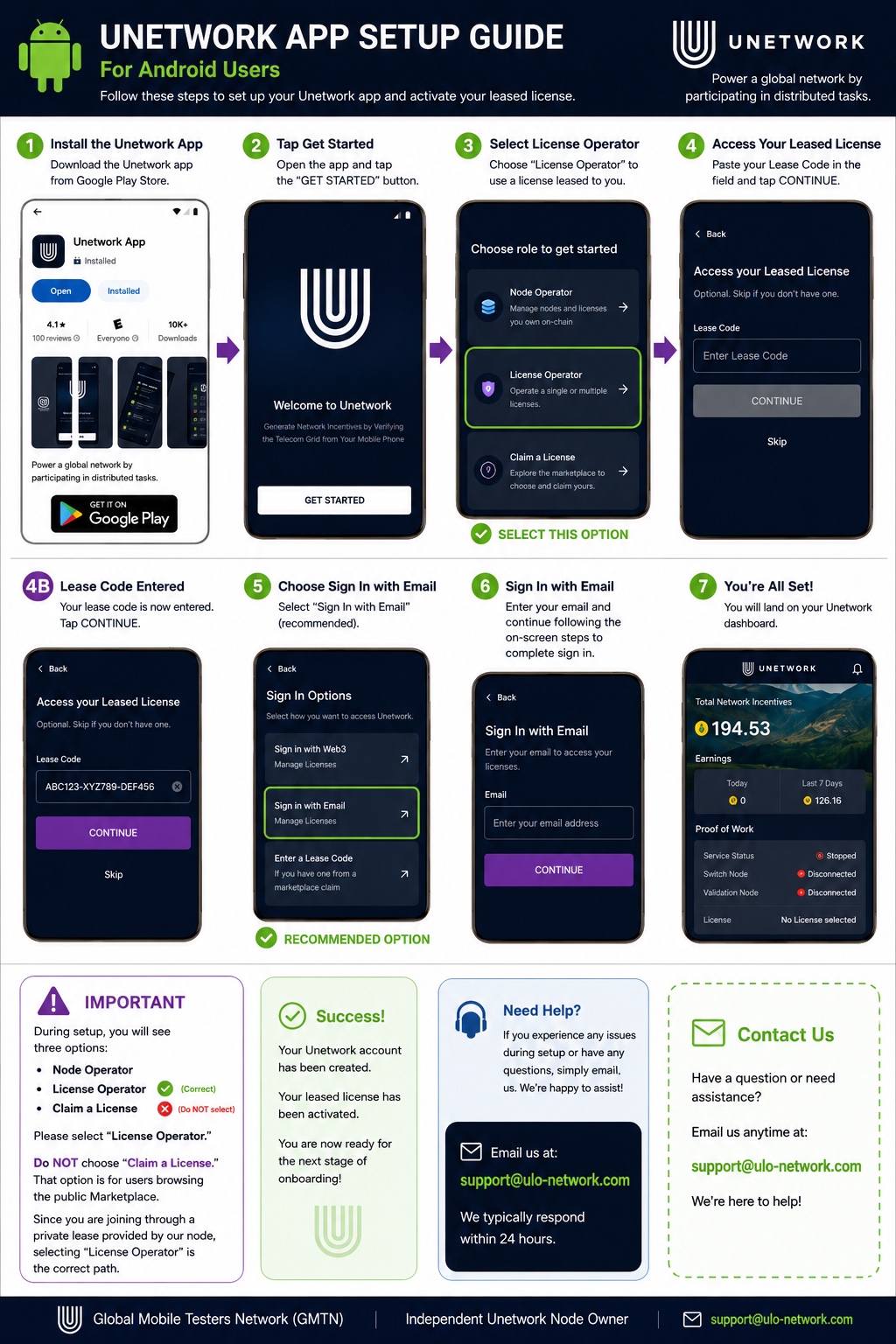
Click “Get Started” to obtain your lease code. You’ll use it in the app to activate your leased license.

Get Started →
2

Install the App

Download the official Unetwork Android app from Google Play and install it on your device.

Get it on Google Play →
3
U

Activate Your License

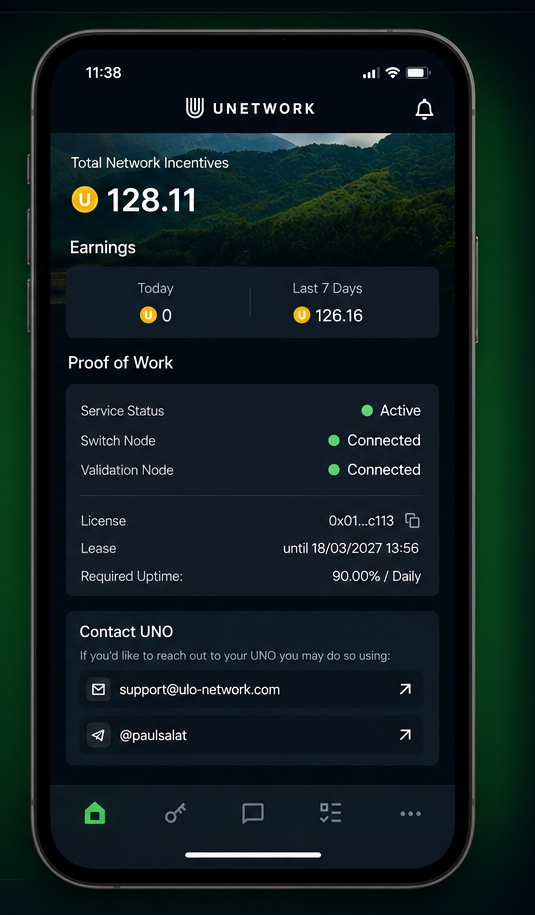
Open the app, enter your lease code, complete sign-in, and keep the app running in the background.

Important: Select License Operator to enter your lease code. Do not select Claim a License.
View Activation Guide →

Activate Your Leased License

  1. 1
    Open the Unetwork app

    Tap “Get Started.”

  2. 2
    Select License Operator

    This is the correct role for a leased license.

  3. 3
    Enter your lease code

    Paste the code you received and continue.

  4. 4
    Complete sign-in

    Follow the on-screen instructions to access your dashboard.

  5. 5
    Keep the app active

    Allow background activity so the app can remain connected.

Learn More

Helpful information about Unetwork and getting started.